
How to dictate on a Mac without sending your voice to the cloud
Dictation hears everything you say — emails, client names, medical notes, passwords read aloud. Here is how to keep all of it on your Mac, and how to pick a speech model that fits.
4 min read
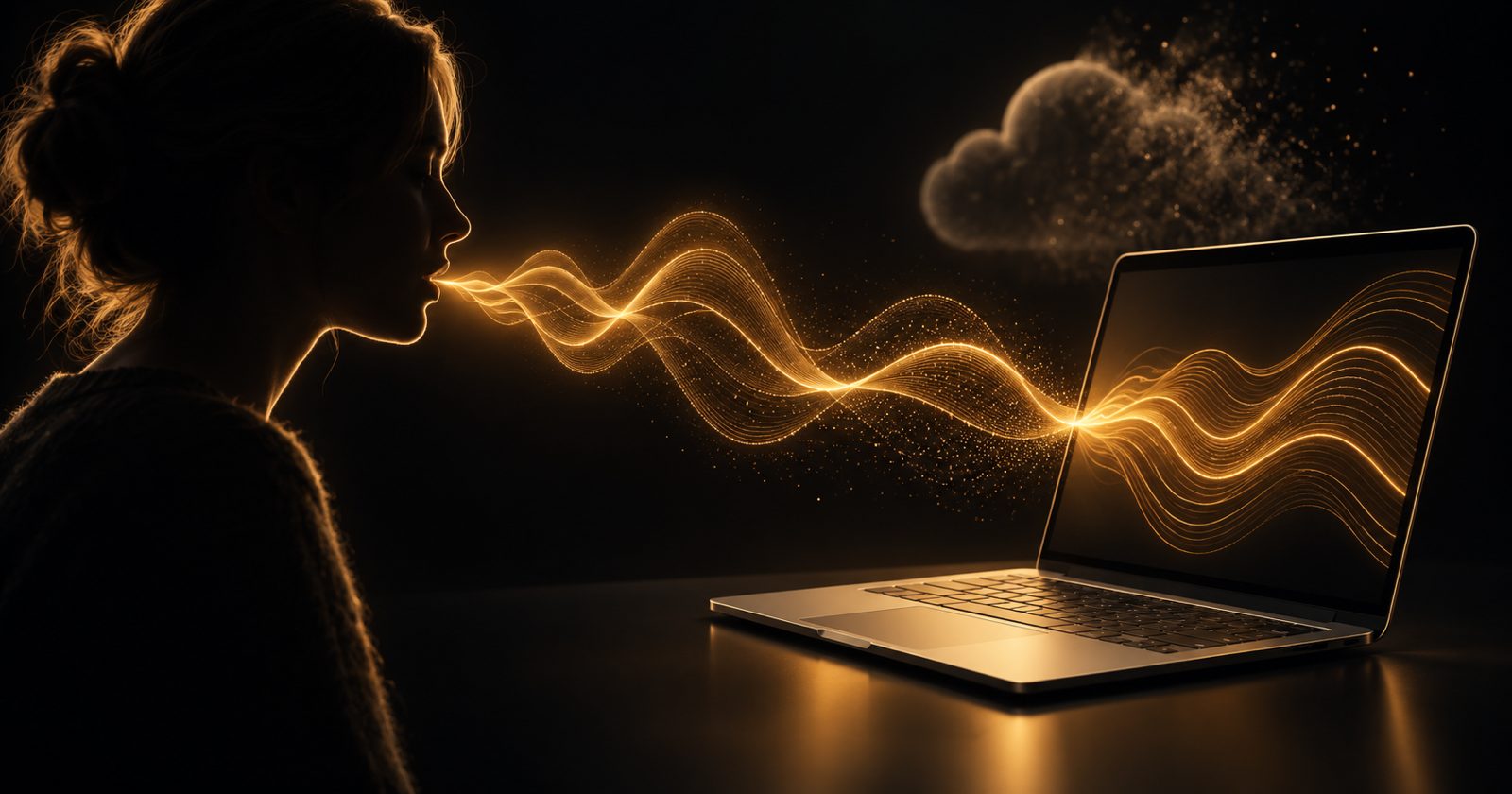
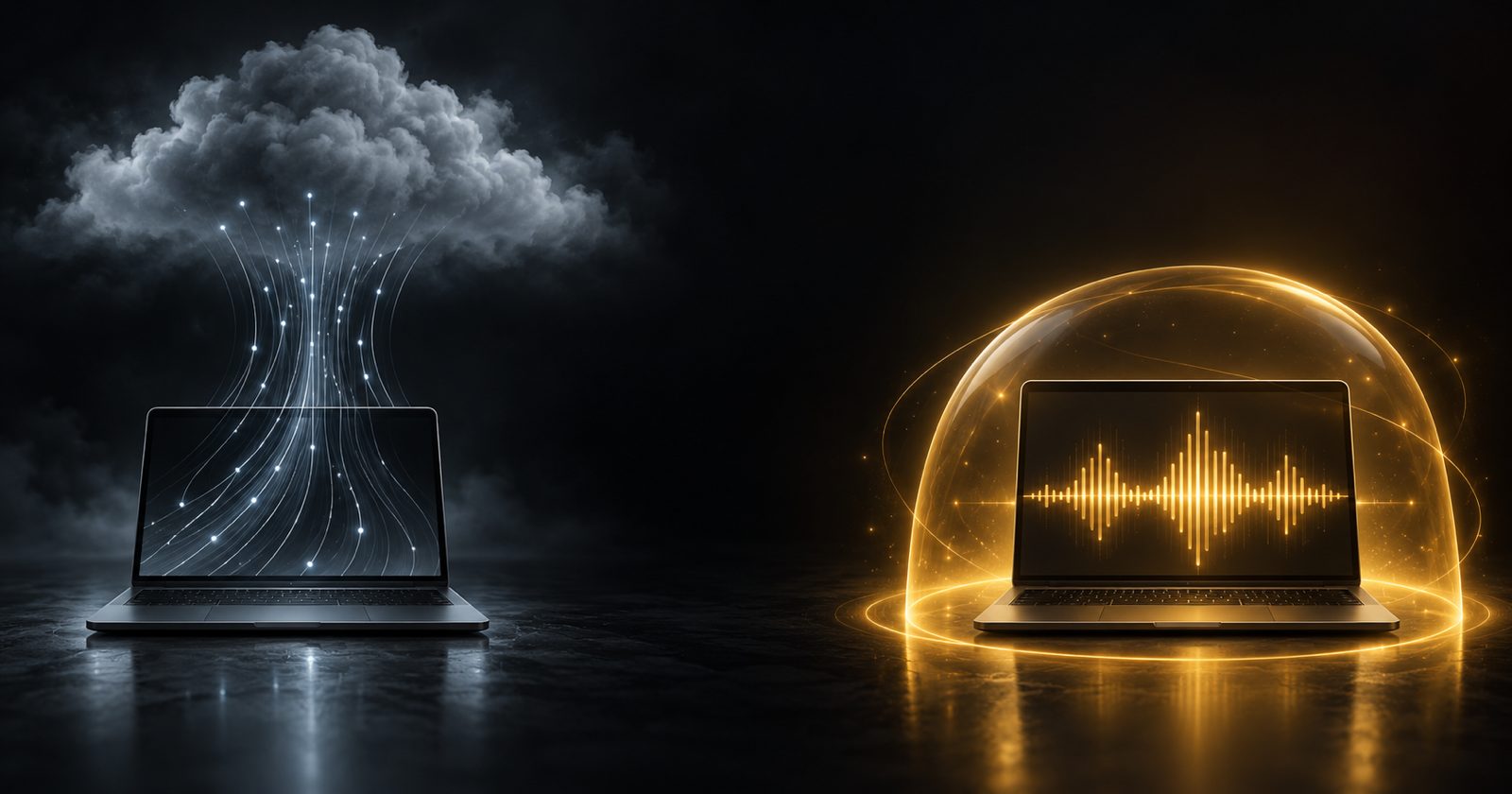
Speaking is roughly three times faster than typing, which is why dictation keeps getting rediscovered. But think about what you actually say into it: emails to clients, notes about patients, the name of the company you are about to acquire, the occasional password read aloud. With most dictation tools, every word of that leaves your Mac.
It does not have to. Modern Macs are more than fast enough to run speech recognition locally, and the models are now good enough that "offline" no longer means "worse". Here is how to set it up.
How to tell whether your dictation is local
Most dictation apps fall into one of three groups:
| Type | Where your audio goes | Works offline | Typical pricing |
|---|---|---|---|
| Built-in Apple Dictation | On-device for many languages on Apple silicon | Yes, for those languages | Free |
| Cloud dictation apps | Uploaded to the vendor's servers | No | Monthly subscription |
| Local-model apps | Stays on your Mac | Yes | Usually one-time |
The simplest test: turn off Wi-Fi and dictate a sentence. If it still works at full quality, the speech recognition is local. If it fails, stalls or quietly drops to a worse mode, your audio was going to a server.
Option 1: Apple Dictation
Every Mac has it. Press the dictation key (the microphone key on recent keyboards, or press fn / 🌐 twice), speak, and text appears at your cursor. On Apple silicon Macs, many languages are processed on-device. Turn it on in System Settings → Keyboard → Dictation.
Good for: short messages, quick notes, zero setup.
Where it falls short: you cannot choose or upgrade the model, there is no way to teach it your vocabulary — product names, colleagues, jargon — and it does not clean up "um", false starts or formatting for you.
Option 2: local speech models
The last few years produced a run of excellent open speech-recognition models that run comfortably on a Mac:
- Whisper (OpenAI) — the best-known open model family, with broad language coverage and sizes from tiny to large.
- Parakeet (NVIDIA) — fast and very accurate. Recent versions cover English and many European languages.
- Canary (NVIDIA) — multilingual recognition with strong accuracy.
- SenseVoice — strong on Chinese, Cantonese, Japanese and Korean, as well as English.
- Moonshine — small and quick, designed for low-latency use on modest hardware.
Running one yourself from the command line is possible, but for dictation — talking into any app, all day — you want three things on top of the model: a global hotkey, text inserted where your cursor is, and cleanup of the raw transcript. That is what a local dictation app gives you.
How NabuVoice does it
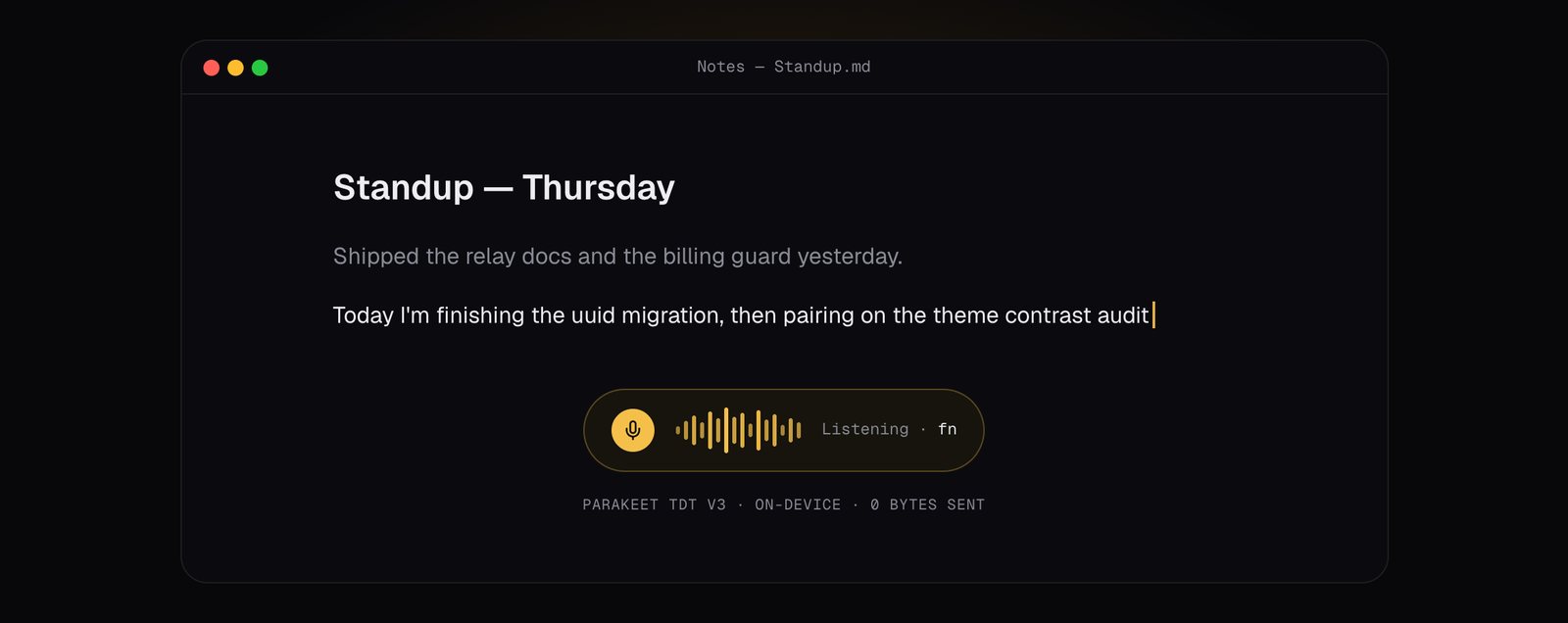
NabuVoice is dictation that never leaves your Mac. Hold fn, speak, release — the words land at your cursor in whatever app you are in.
- Thirteen local speech models. Parakeet, Canary, SenseVoice, Moonshine and Whisper. Download one once and transcription needs no network at all.
- Cleanup by a local language model. Grammar, punctuation and formatting are tidied by a small model running through llama.cpp on Metal — on the same machine.
- Works in every app. Text goes in through the macOS accessibility layer, with a clipboard paste as the fallback. No plugins.
- Vocabulary and snippets. Teach it names, jargon and acronyms; say a shortcut and get a full block of text.
- Per-app rules. Change behaviour per application — formal in Mail, terse in your terminal.
Which model should you pick?
The right model depends mostly on your memory and your language.
| Your Mac | A good starting point |
|---|---|
| 8 GB memory | A small model (Moonshine or a smaller Whisper) — quick and light |
| 16 GB memory | Parakeet — the best balance of speed and accuracy for English and European languages |
| 32 GB or more | Anything, including the large Whisper builds and bigger cleanup models |
| Chinese, Japanese, Korean | SenseVoice |
NabuVoice recommends models based on the memory your Mac actually has, so you do not download something that will not fit.
Five habits for better dictation
- Use push-to-talk. Holding a key while you speak avoids the "is it still listening?" problem and stops it transcribing background chatter.
- Speak in whole sentences. Models use context; finishing the thought before pausing gives them more to work with.
- Add your vocabulary on day one. Names and product terms are where every model stumbles first.
- Say punctuation only when you need control. With a cleanup model, normal speech comes out punctuated; say "new paragraph" when structure matters.
- Keep a snippet for anything you repeat. Your address, a standard reply, a code review checklist.
Frequently asked questions
Is local dictation as accurate as the cloud?
For everyday dictation in supported languages, current local models are very competitive — and the cleanup pass closes much of the remaining gap. The bigger accuracy win is usually teaching the tool your vocabulary.
Does NabuVoice work offline?
Yes. Once a speech model is downloaded, transcription and cleanup run without any network connection.
Which Macs are supported?
Apple silicon Macs on macOS 12 or later. A Windows version is in progress.
If you have been holding back on dictation because of where the audio goes, that trade-off is gone. Comparing tools? We also wrote up how local dictation compares with Wispr Flow.