
Looking for a Wispr Flow alternative? Here's what local dictation does differently
Wispr Flow made AI dictation popular. If you want the same speak-anywhere workflow without the cloud or the monthly bill, here is an honest comparison.
3 min read
Wispr Flow showed a lot of people what dictation should feel like: hold a key, talk naturally, and get clean, punctuated text in whatever app you are using. It is a good product. So why are so many people searching for an alternative?
Usually for one of three reasons: where the audio goes, what happens without internet, and the subscription. If any of those matter to you, this comparison is for you — including the cases where Flow is still the right pick.
The short version
| Wispr Flow | NabuVoice | |
|---|---|---|
| Where speech is processed | On Wispr's cloud servers | On your Mac |
| Works with no internet | No | Yes |
| Pricing model | Subscription, with a capped free tier | One-time lifetime license |
| Text cleanup | AI cleanup in the cloud | Local language model on your Mac |
| Custom vocabulary | Yes | Yes, plus spoken snippets |
| Platforms | Mac, Windows and iPhone | Mac (Apple silicon); Windows in progress |
Product details change — check each vendor's current site for the latest plans and features.
Reason 1: your audio stays on your machine
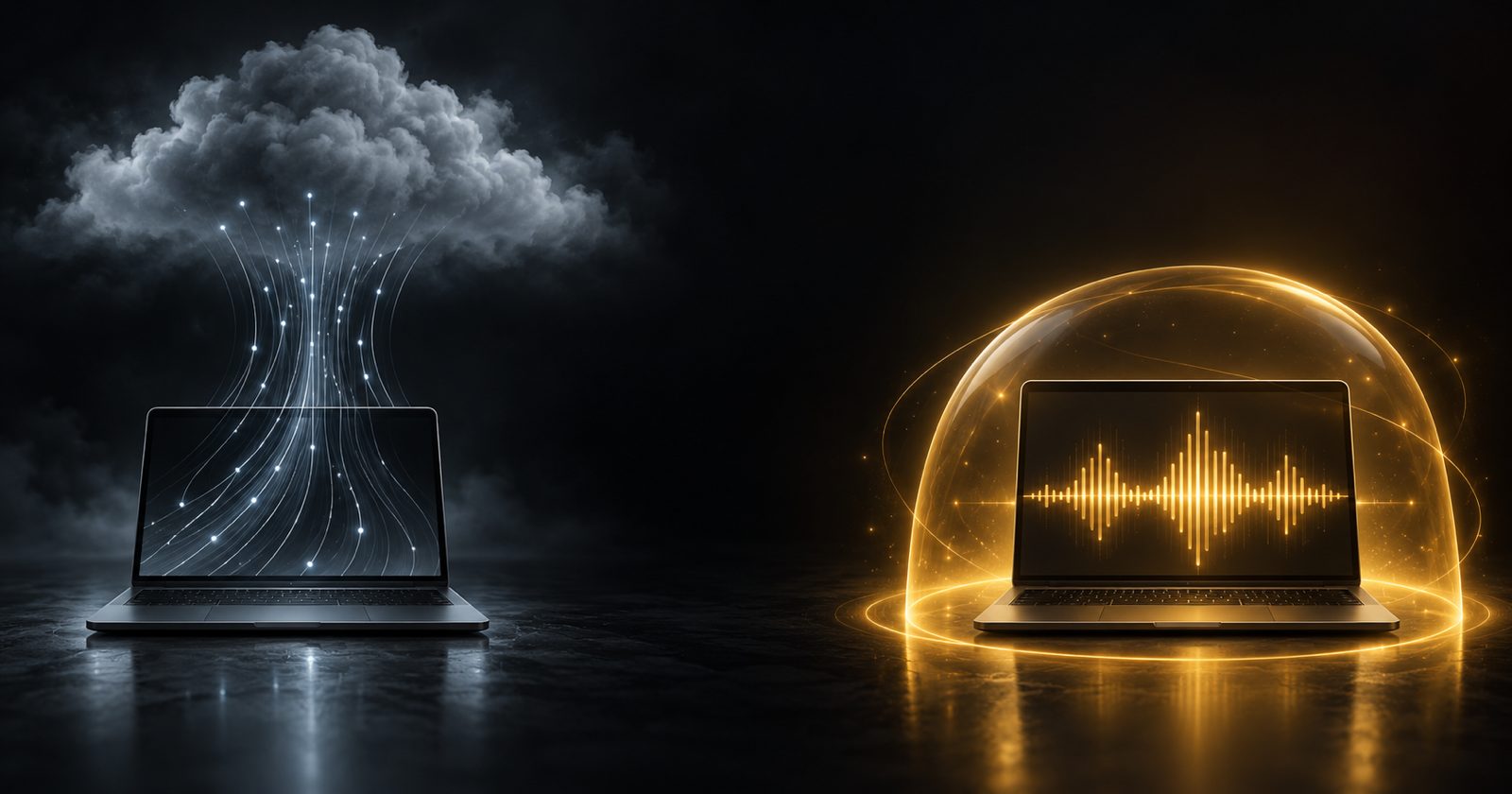
Cloud dictation works by recording your speech, uploading it and transcribing it on a server. Reputable vendors protect that data, but it still leaves your computer — and for many people that is the end of the discussion:
- Lawyers, doctors and therapists dictating about clients and patients.
- Engineers talking through unreleased products or customer data.
- Anyone working under an employer policy that forbids sending company information to third-party AI services.
NabuVoice transcribes with a speech model running on your Mac and cleans the text up with a local language model through llama.cpp on Metal. There is no server in the loop to trust, audit or get approved.
Reason 2: it works anywhere
On a plane, on hotel Wi-Fi, on a train going through a tunnel — cloud dictation slows down or stops. Local dictation behaves the same everywhere, because nothing is waiting on a network round trip.
Reason 3: you pay once
A cloud service pays for the servers that transcribe your speech, so it charges every month. With local dictation, your Mac does that work, so there is no running cost to pass on. NabuVoice is a one-time lifetime license for up to three Macs, with updates included.
What you get with NabuVoice
- Push-to-talk anywhere. Hold fn (or your own hotkey), speak, release.
- Thirteen speech models. Parakeet, Canary, SenseVoice, Moonshine and Whisper — pick the one that suits your languages and your Mac's memory.
- Text at your cursor in every app, inserted through macOS accessibility, with a clipboard fallback.
- Vocabulary, snippets and per-app rules, so names come out right and replies sound like you in each app.
- Notes, for capturing a thought without picking an app first.
When Wispr Flow is the better choice
Being honest about this makes the rest of the comparison worth trusting:
- You dictate on Windows or iPhone too. Flow works across devices; NabuVoice is Mac-only today.
- You have an older Intel Mac. Local models need Apple silicon to run well.
- You want zero setup. A cloud service has no models to download. With NabuVoice you choose a model once on first launch.
How to switch
- Install NabuVoice and pick a speech model on first launch — it recommends one for your Mac's memory.
- Re-create your dictionary: add the names, acronyms and product terms you had in Flow.
- Set your hotkey. If you used fn with Flow, keep fn.
- Dictate for a day with Wi-Fi off. If it all still works, you are done.
Want the bigger picture on private dictation, including Apple's built-in option? Read how to dictate on a Mac without sending your voice to the cloud.