

Treat App Store and Google Play reviews as support tickets
A one-star review is often a support request with nowhere else to go. Read reviews like tickets, reply in the store, fix the cause, and close the loop with the reviewer. Here is the routine.
3 min read
Most users never email support. When something breaks, the store review box is right there, and it is where the frustration goes. For an indie developer, that means a large share of your real support requests arrive as public one-star reviews.
You cannot stop that, but you can treat those reviews like what they are: tickets. Read them, sort them, answer them, fix the cause, and follow up.
Why reviews deserve a support workflow
- They are public. Other people read your reply before they decide to install.
- They are often fixable. Many low ratings are about one bug, one confusing screen, or a billing misunderstanding.
- Both stores let you reply. Apple's App Store Connect and the Google Play Console both support public developer responses, and an edited reply can prompt a reviewer to take another look.
- They are signal. Five reviews mentioning the same crash after an update is a faster alarm than your analytics.
A weekly review routine
Set aside a fixed slot, more often after a release.
1. Pull reviews into one list
Collect new reviews from every store and country you ship in. If you only check the store pages occasionally, you will miss reviews in other languages and on the store you use less.
2. Triage like tickets
Give each review one label:
- Bug — something is broken. Link it to an issue or error report.
- Confusion — the feature exists but the user could not find it.
- Request — a feature they want.
- Billing — subscriptions, refunds, restores.
- Praise — say thank you, briefly.
- Noise — nothing actionable. No reply needed.
3. Reply well
A good reply is short, specific and human:
- Thank them and acknowledge the actual problem in their words.
- Say what you are doing about it, or how to fix it now.
- Give a way to reach you directly for anything personal: a support email or an in-app contact screen. Never ask for account details in a public reply.
- Do not argue, even when they are wrong. Other readers are judging the tone.
4. Fix the cause
Bugs go to your issue tracker with the review attached. If the same issue shows up in several reviews, that is your next release.
5. Close the loop
When the fix ships, update your reply: "This is fixed in version 2.4, thank you for reporting it." Reviewers are often notified when a developer reply changes, and some will update their rating.
Route people to support before they review
The best way to get fewer angry reviews is to make support easier to reach than the review box:
- Put a Help or Contact option in the app's settings, and in any error screen.
- Include the app version and device in support emails automatically, so you can act without a back-and-forth.
- Ask for ratings at a good moment (after a success), using the platform's own review prompt, and never in the middle of a problem.
Link reviews, tickets and errors
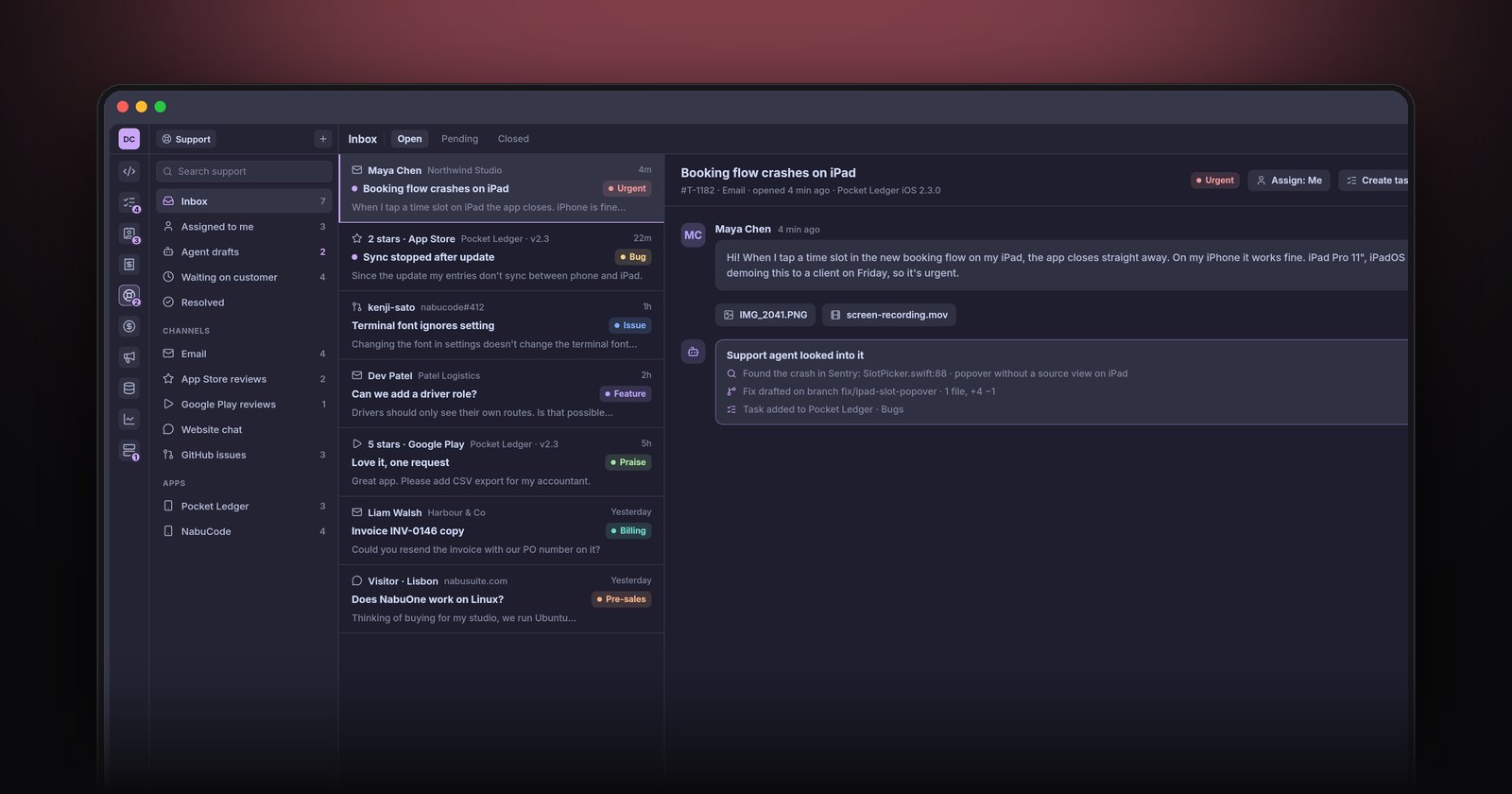
The real time saver is connection. When a review mentions a crash, you want to see the matching error report from the same release. When a user then emails support, you want to see their review. When you ship a fix, you want every related ticket and review in one list to answer.
That is how support works in NabuOne: tickets sit next to the customer's record in the CRM, errors from your apps are linked to the tickets they cause, and coding agents can pick up a bug from a ticket, reproduce it and draft the fix. We write about the error side in error tracking and uptime for indie developers.
The short version
Read store reviews weekly, label them like tickets, reply briefly and kindly, link bugs to fixes, and update your reply when the fix ships. Make in-app support easier to find than the review box, and the number of one-star reviews will drop on its own.