

How to run a software business on your own: the whole job, start to finish
Writing the code is one part of a one-person software business. The rest is clients, quotes, invoices, support, servers and knowing whether you made money. Here is a setup that covers all of it without a stack of subscriptions.
5 min read
Most developers who go solo expect the hard part to be the code. It rarely is. The hard part is everything around it: remembering who you promised what, sending the invoice on time, answering the support email before the one-star review, noticing the server is down before a client does, and knowing at the end of the quarter whether any of it paid.
A company spreads that work across a sales team, an accounts team, a support desk and an ops rota. On your own, it is all you, usually between commits. This guide walks through each part of the job and the smallest setup that keeps it under control.
The six jobs of a one-person software business
Whether you build client projects, sell your own apps, or do both, the work falls into the same six jobs:
- Build — the code, the releases, the tests.
- Win work — leads, conversations, proposals, follow-ups.
- Get paid — quotes, invoices, payment links, chasing.
- Track time and costs — what each project really took, and what you spent.
- Support — emails, store reviews, bug reports.
- Keep things running — errors, uptime, servers.
Underneath all six sits a seventh: knowing your numbers. Revenue, what is owed, what each client is worth, and whether this month beat the last.
The trap is giving each job its own tool. A CRM here, an invoicing app there, a help desk, a time tracker, an error tracker, a spreadsheet to tie them together. Each one is reasonable on its own. Together they are six logins, six bills, and no single place that knows the whole story of a client.
Build: keep the coding side boring
Your build setup should be the part you never think about. A few habits make the biggest difference:
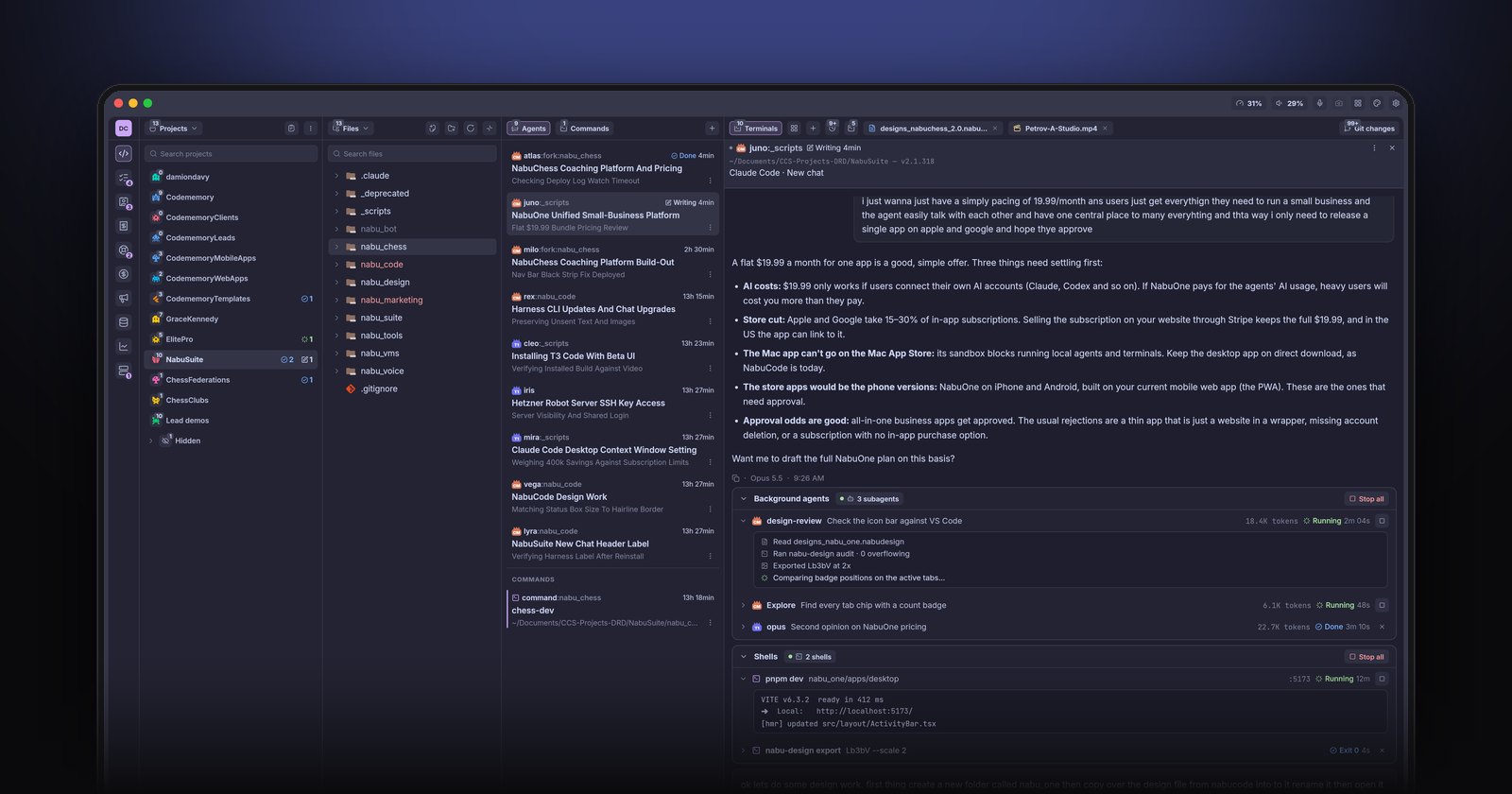
- Small, finishable tasks. If you use coding agents, give each one a task you could review in ten minutes. We cover that setup in running several Claude Code agents in parallel.
- One place for the board. A short Kanban board per project beats a long to-do list. Move cards as work lands so the board is always the truth.
- Releases you can repeat. Write the release steps down once, as a script, and never do them by hand again.
Win work: a pipeline, not an inbox
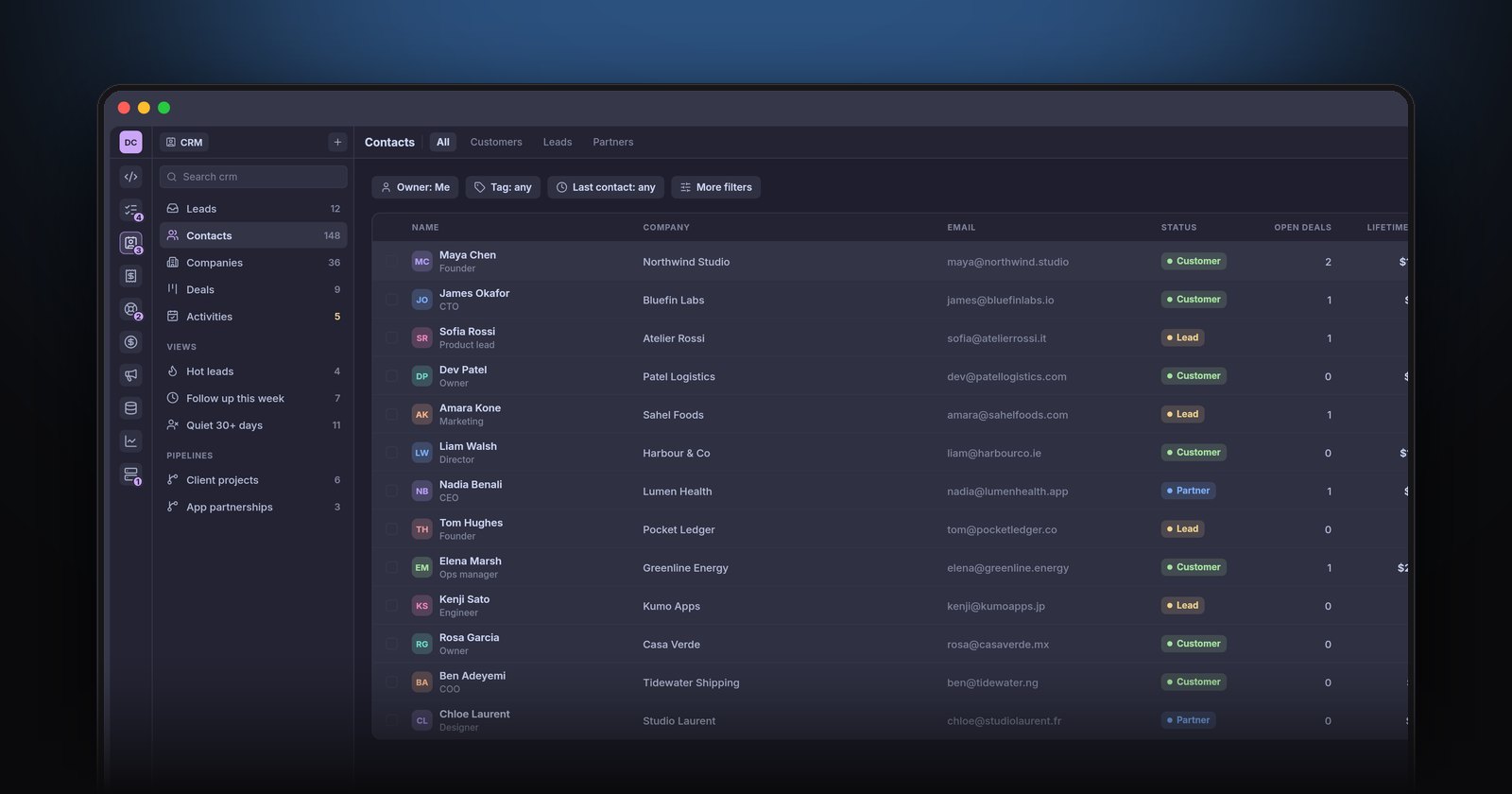
Leads arrive by email, DM, referral and contact form. If they stay in those places, some will be forgotten. The fix is not a big sales tool; it is a short list of every open conversation with a next step and a date.
For each lead, record who they are, what they want, roughly what it is worth, and when you will follow up. A simple deals board with stages such as new, talking, proposal sent and won is enough for most solo developers. We go deeper in do solo developers need a CRM?.
Get paid: quote, invoice, link, chase
Cash flow is where solo businesses actually fail. Four habits fix most of it:
- Quote in writing, then turn the accepted quote straight into the invoice so the numbers match.
- Invoice the day the work is done, not at the end of the month.
- Put a payment link on every invoice. Clients pay faster when paying is one click. Here is how to add a Stripe payment link to an invoice.
- Chase on a schedule, politely, before it becomes awkward. We have templates for chasing a late invoice.
If you are still deciding what to charge, start with how to price freelance software work.
Track time and costs, even on fixed-price work
Tracking time on hourly work is obvious. Tracking it on fixed-price work is how you learn what to quote next time. Track expenses as they happen too: hosting, AI subscriptions, domains, contractors. Mark the ones you can bill to a client so they end up on the next invoice instead of being forgotten. Our time tracking guide for developers has a setup that survives a busy week.
Support: one inbox, tied to the client
Support for a solo developer arrives from email, from the App Store and Google Play reviews, and from clients messaging you directly. Pull it into one queue, and make sure each ticket sits next to the client's record so you can see what they bought and what they are owed before you reply. For apps, turning store reviews into tickets closes the loop that most indie developers leave open.
Keep things running: hear about problems first
The worst way to find out about a crash is from a customer. Two cheap tools catch most problems: error tracking in your apps and uptime checks on anything public. Link both to support so that when a client reports a bug, you already have the stack trace. See error tracking and uptime monitoring for indie developers.
Know your numbers
Once a month, look at four things:
- Revenue this month and the same month last year.
- Receivables — what is owed, and how late.
- Revenue per client — who is worth the most, and who has gone quiet.
- Costs — what you spent and on what.
If those numbers come from one place rather than three exports and a spreadsheet, you will actually look at them.
Where NabuOne fits
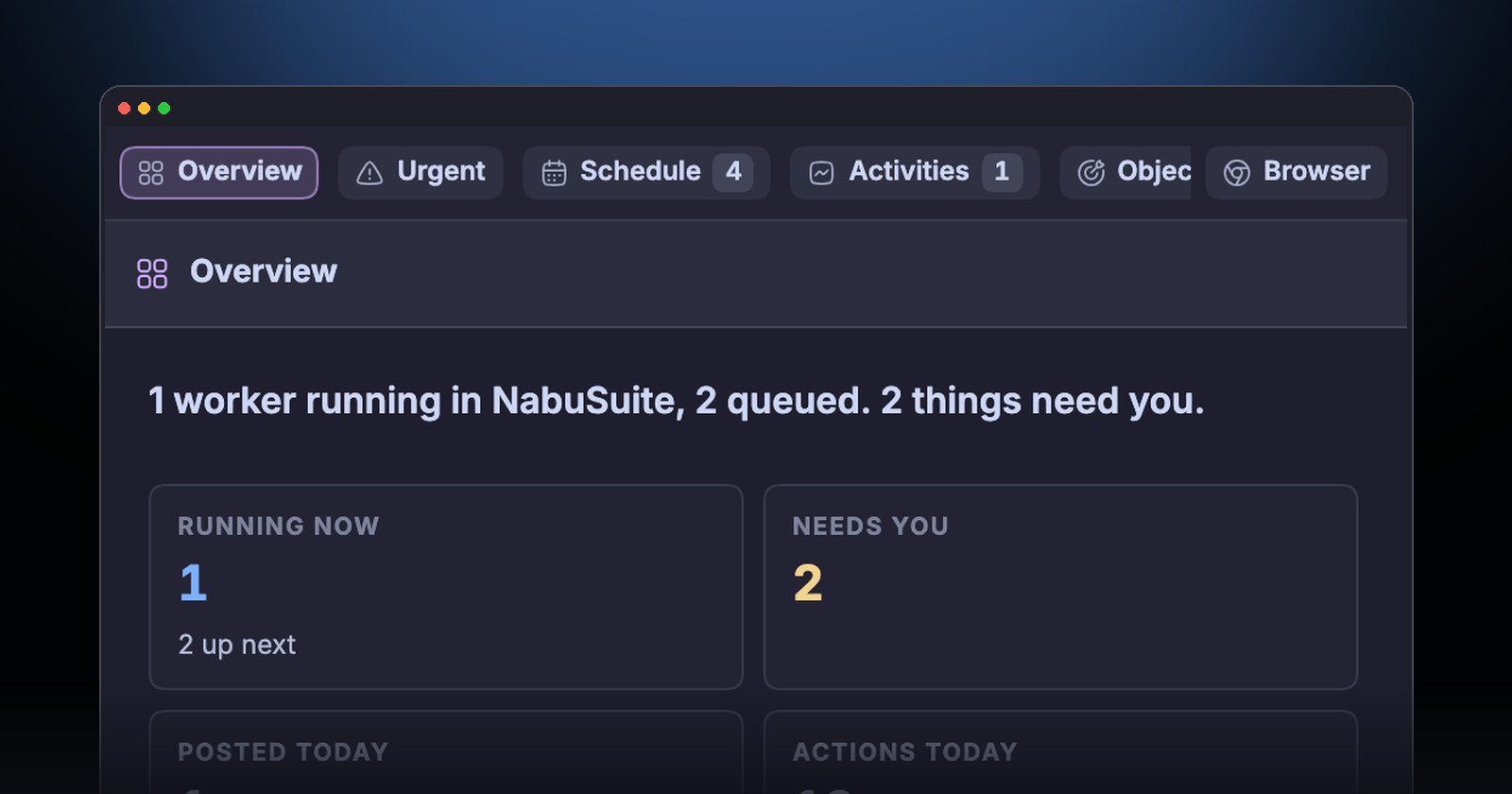
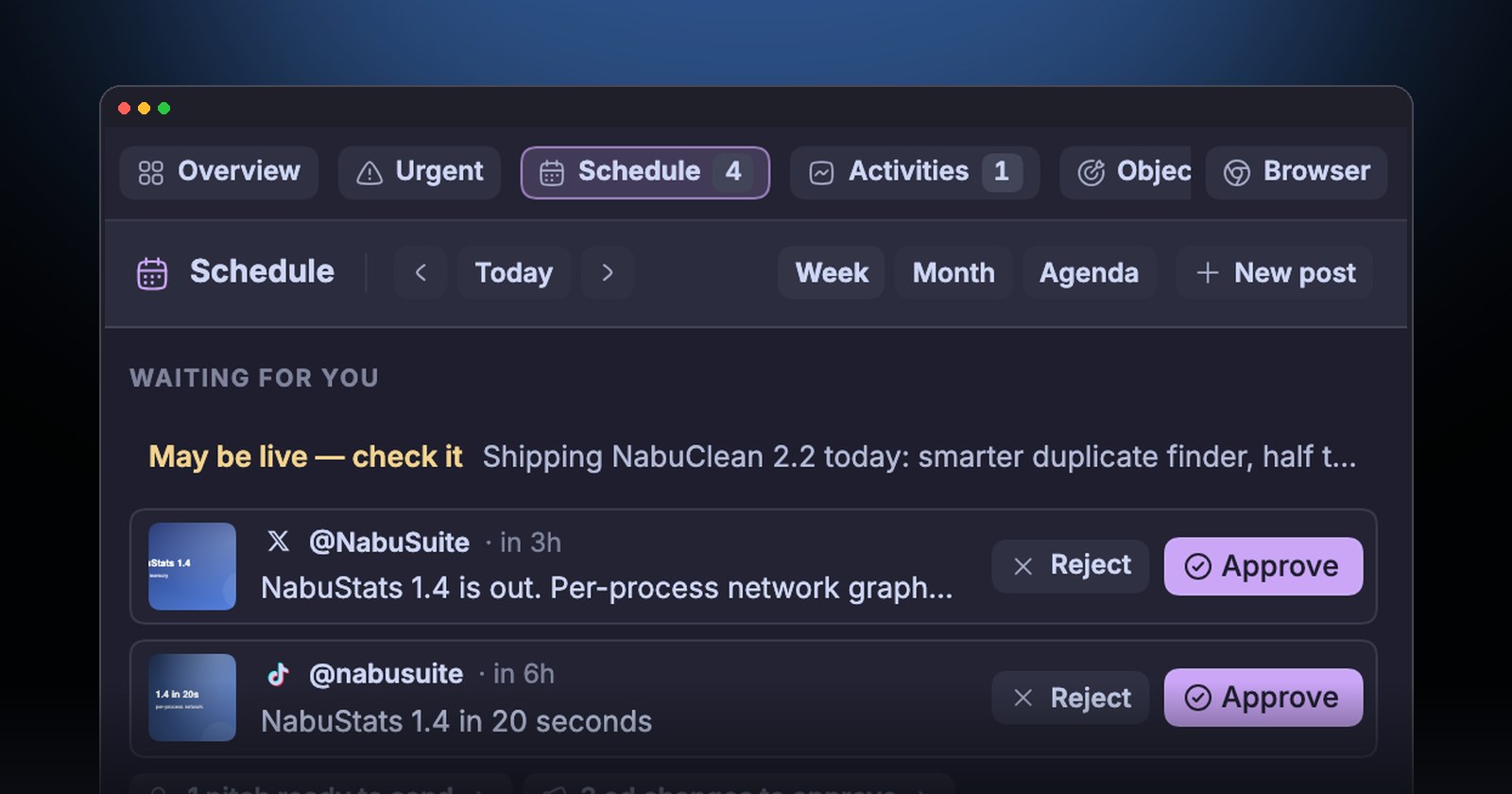
We built NabuOne for exactly this job list. It is one desktop app with modules for Code, Tasks, CRM, Invoices (with time and expenses), Support, Revenue and Servers, all sharing the same client records. Your coding agents run inside it, and they can follow a bug from the support ticket to the fix to the invoice line.
You do not need it to follow the advice above; every habit here works with any tools. But if you are tired of six logins, it is the one app we wanted for ourselves.
A simple weekly routine
- Monday: review the deals board and set this week's follow-ups.
- Daily: clear the support queue and glance at errors and uptime.
- When work lands: send the invoice the same day, with a payment link.
- Friday: log any missing time and expenses, and chase anything overdue.
- Month end: read the four numbers above and write one sentence about what to change.
Running a software business alone is not about doing more. It is about having every part of the job in view so nothing slips, and getting back to the code.