

Time tracking for freelance developers: a setup you will actually keep
Time tracking fails when it is a chore. Track by project, start the timer where you already work, fix the gaps on Friday, and use the numbers to bill accurately and quote better.
3 min read
Every freelance developer has tried time tracking, and most have quit. The timer was running over lunch, or never started at all, and filling in a week from memory on Friday felt like fiction.
The fix is not discipline. It is a setup with less friction, and a clear reason to keep going.
Why track time at all
Even if you bill fixed prices, time tracking pays for itself:
- Accurate invoices on hourly work, with a timesheet the client can trust.
- Better quotes. Knowing what the last similar project really took is the best estimate you will ever get.
- Your real rate. Divide a fixed-price fee by the hours it took. Sometimes the answer is uncomfortable, and useful.
- Where the week went. Admin, support and sales take more time than you think. Seeing it is the first step to pricing it in.
What to track
Keep it simple. Every entry needs three things:
- The project (and so the client).
- The duration.
- Billable or not.
A short note helps on hourly work ("Fix login redirect"), but do not make it mandatory or you will stop logging. Skip tags, categories and sub-tasks until you have a reason for them.
Timers or timesheets?
Use both.
- Timers are best for focused work. Start one when you open the project, stop it when you switch.
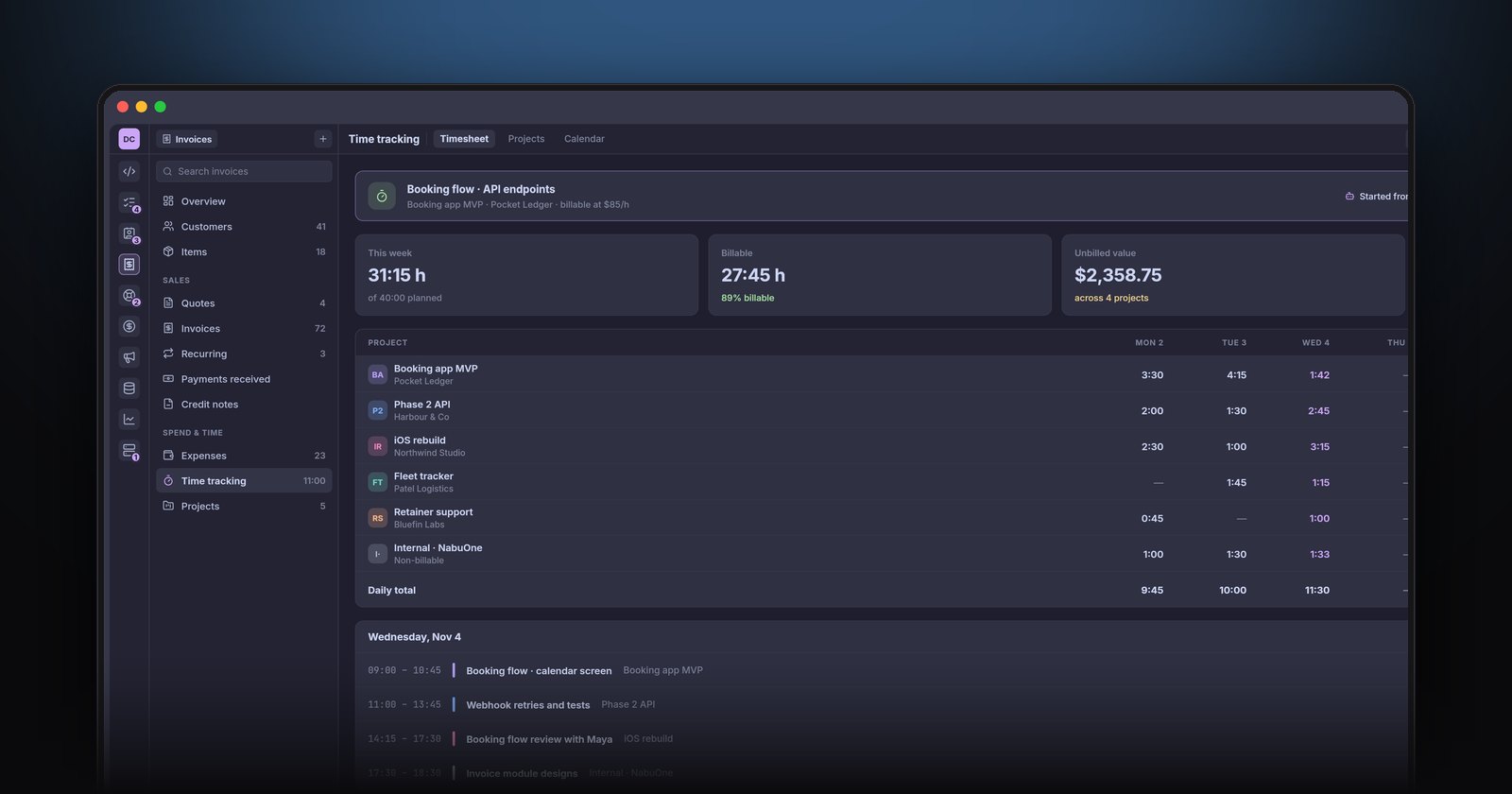
- A weekly timesheet is best for catching what the timers missed: the call, the review, the evening fix. Spend five minutes on Friday filling the gaps while the week is still fresh.
Reduce the friction
The less you have to remember, the more you will track.
- Start timers where you already work. A timer in your editor, terminal or the app you code in beats a separate tab you forget about.
- Get nudged. An idle reminder that asks whether to keep or discard the last twenty minutes catches the lunch-break problem.
- Round sensibly. Tracking to the second is pointless. Rounding to the nearest five or fifteen minutes is common; pick one and be consistent.
- Track AI agent work too. If coding agents run tasks for a client, the time you spend setting them up and reviewing their work is real work.
Budgets for fixed-price work
On a fixed-price project, give it a budget in hours based on your quote. Then watch two numbers: hours used, and how much of the work is done. If you are 70 percent through the hours and 40 percent through the work, you have a conversation to have with the client now, not at the end.
Turning hours into invoices
At the end of a period, unbilled hours should flow straight into an invoice:
- Group entries by project.
- Show hours and rate per line, or a single line with the timesheet attached.
- Add any billable expenses you paid on the client's behalf.
- Mark the entries billed, so they never appear twice.
This is where a separate time tracker and invoicing app cause pain: exporting, copying and remembering what you already billed.
How NabuOne does it
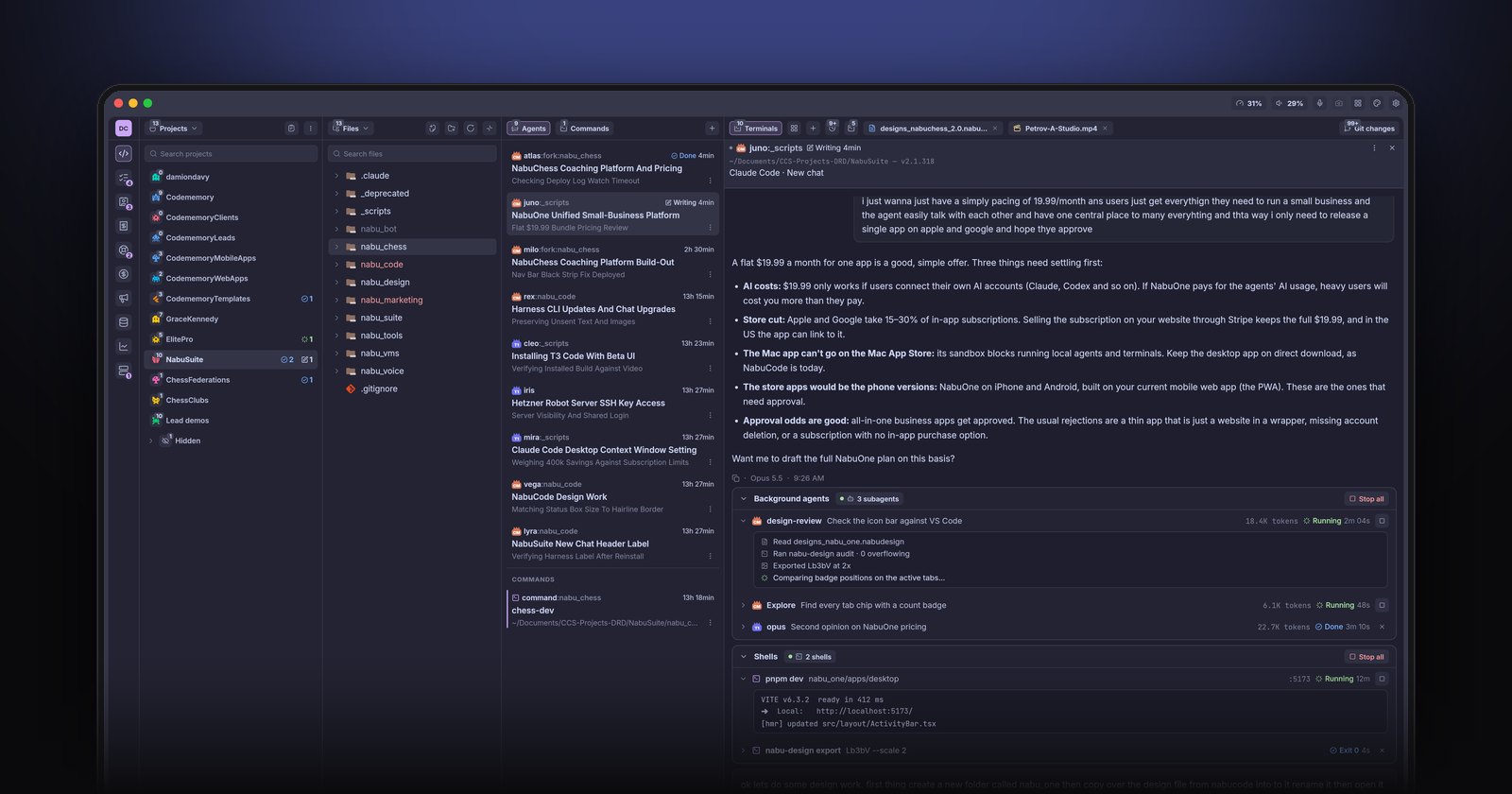
In NabuOne, time tracking lives inside the Invoices module. Timers can be started from the app, and your agents can start them too, so work they do on a client project is logged against it. There is a weekly timesheet for the gaps, project budgets for fixed-price work, and unbilled hours and expenses sit on the invoices overview, ready to add to the next invoice.
The short version
Track project, duration and billable status, nothing more. Use timers for focused work and a Friday timesheet for the rest. Set budgets on fixed-price projects and check them weekly. Then let tracked hours flow straight into invoices, with a payment link attached.